> ## Documentation Index
> Fetch the complete documentation index at: https://docs.a0.dev/llms.txt
> Use this file to discover all available pages before exploring further.
# Deploying Updates
> Step-by-step guide to push Over the Air Updates to your app
## How To Update
1. Log in to your [a0 Dashboard](https://a0.dev/projects)
2. Open a chat in your selected project
3. click the **Deployment** button in the top right.
Click the "New Update" button to ensure your deployed code is up to date
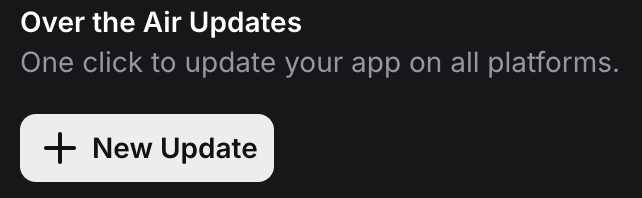 The changes should reflect in your app immediately, simply close your app from the background and reopen it.
## Next Steps
Learn how to thoroughly test your app before deploying updates.
Ready to publish your app to the App Store? Start here.
The changes should reflect in your app immediately, simply close your app from the background and reopen it.
## Next Steps
Learn how to thoroughly test your app before deploying updates.
Ready to publish your app to the App Store? Start here.